medikit Login by device
1. Login via browser
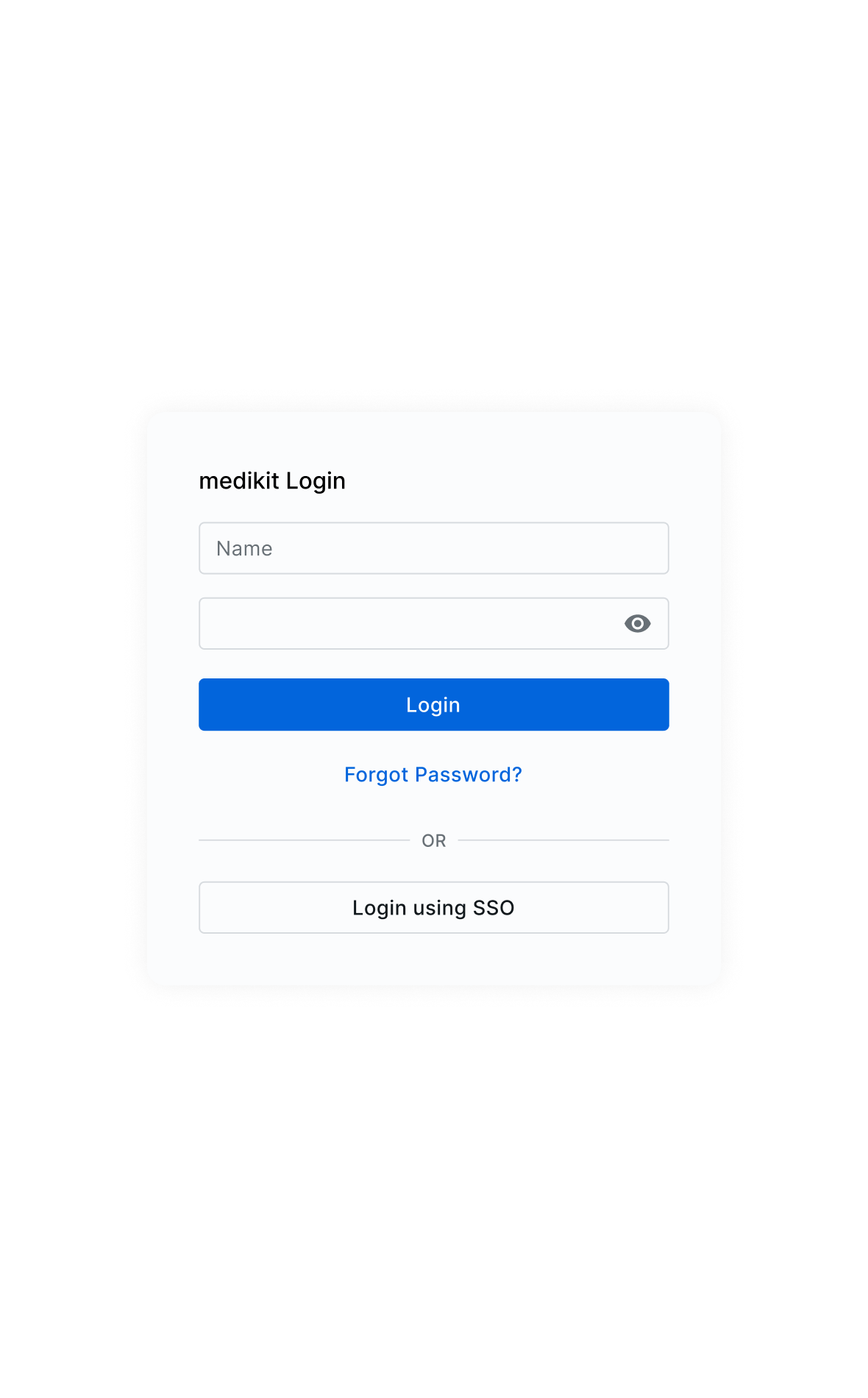
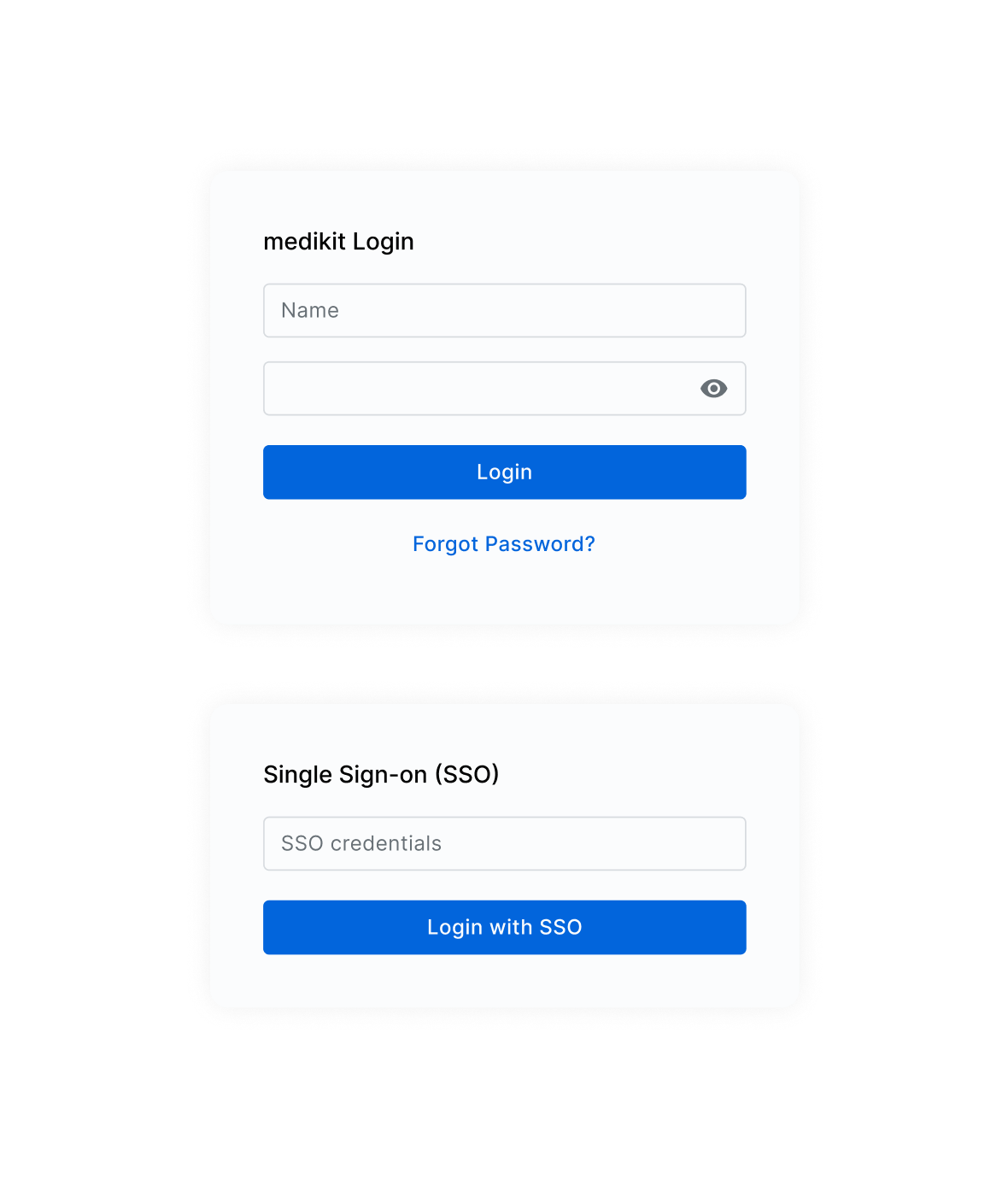
Open your organization’s login page
Each organization (clinic, practice, care facility, etc.) has its own unique medikit link for team members to log in. Simply enter the link in your browser (Google, Chrome, Safari, Edge, Firefox, etc.) to access the login page.
Missing the link to the login page?
If you don’t know your organization’s specific login URL for hotelkit, ask your team or check with a hotelkit champion.
2. Login via medikit app
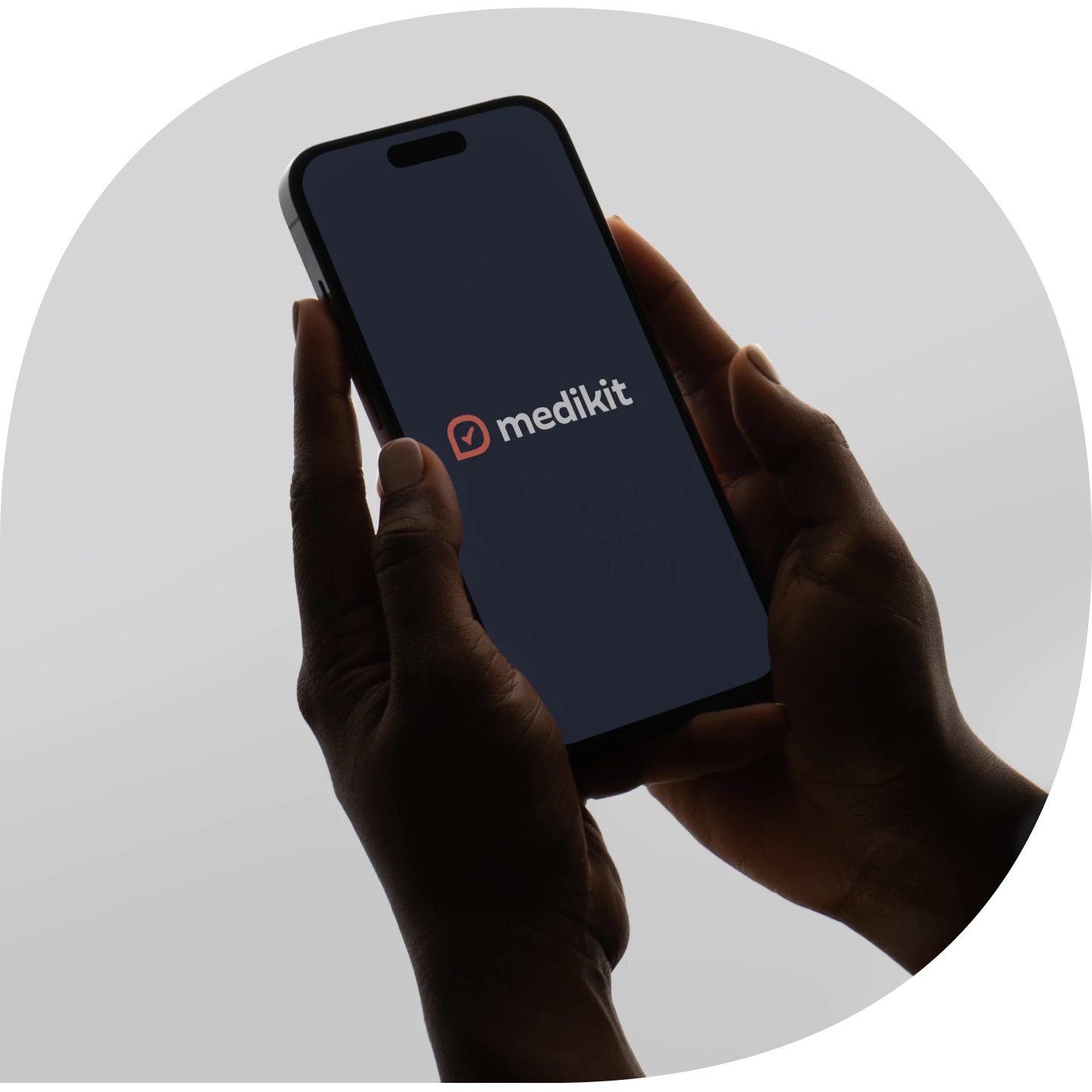
medikit login via mobile device
Open the medikit app on your mobile device to login.